
Google Ads landing pages
How to build a Google Ads landing page for a service business
Put the words from your Google Search ad next to the first screen on your website. Could a customer recognise the job they searched for and take the next step? Here’s how I decide whether to improve the existing page or build a separate one.
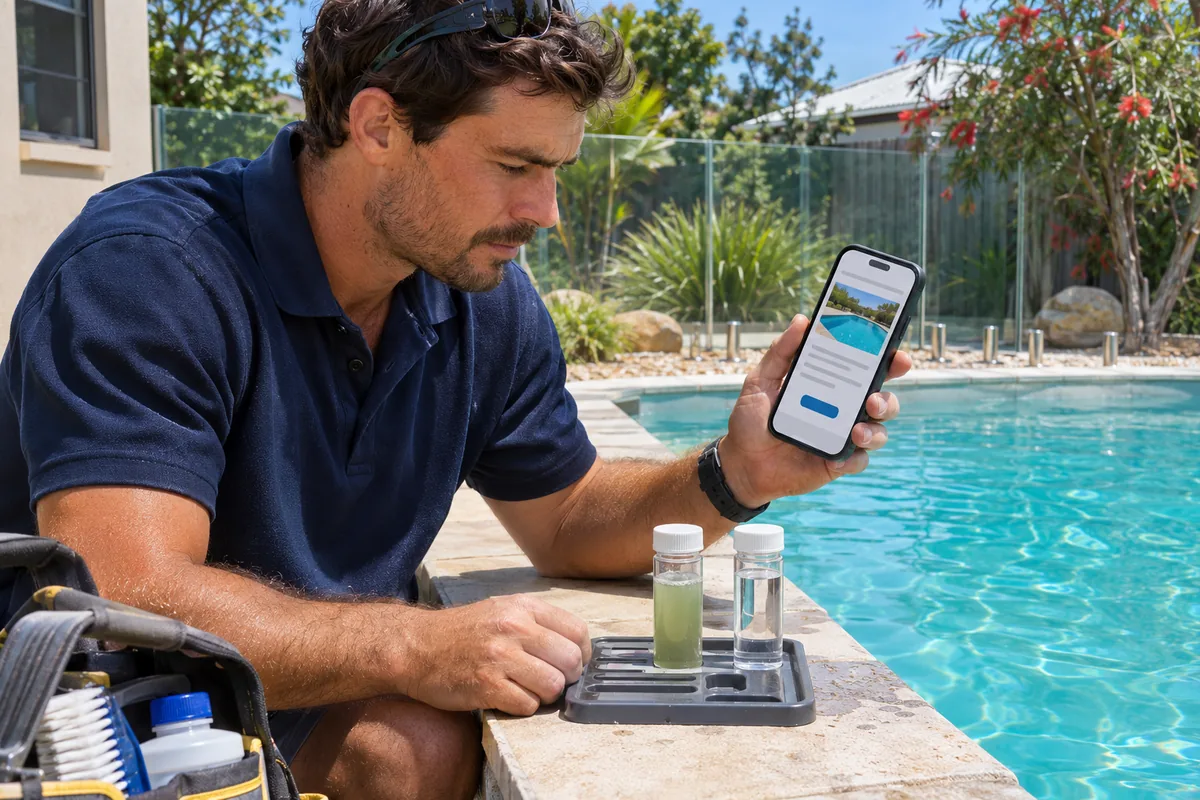
Start with the words someone clicked
Copy the headline, description, offer and final URL from one of your current Google Search ads. Open the destination on your phone and put the ad beside it. If the ad offers a green pool assessment in Nambour and the page opens with “Welcome to our family business”, the visitor still has to work out whether you take that job.
I ask the person who answers the enquiries three things. Which jobs do you want from this ad? Where can you do them? What do you need to know before you can say yes? Those answers give the page its heading, service boundary and first useful question. When you want me to build or amend the destination, I can work from an ad preview and the existing URL. Your campaign manager can keep control of the campaign.
Two pool searches that need different answers
Imagine a Sunshine Coast pool business that offers scheduled maintenance and one-off green pool assessments around Nambour. Both customers have a pool. One wants someone dependable on a regular run. The other is looking at green water today and needs to know what happens first.
| Page decision | Regular pool cleaning | Green pool clean-up |
|---|---|---|
| Search and ad | “Regular pool cleaning Nambour” leads to an ad offering scheduled visits. | “Green pool clean-up Nambour” leads to an ad offering an assessment. |
| First screen | A heading naming regular servicing, confirmed suburbs on the route and how to enquire about a place on the run. | A heading naming green pool clean-up, what the technician checks first and how to request that assessment. |
| Useful detail | Explain the usual visit frequency, what each visit covers and which items are charged separately. | Explain whether a photo helps with the initial enquiry, what requires a site visit and when the owner can expect an estimate. |
| Enquiry button | “Ask about regular pool servicing”. Carry that service through to the form and ask for the suburb and preferred visit frequency. | “Request a green pool assessment”. Carry that choice through and ask for suburb, approximate pool size and the issue the owner can see. |
I would keep “fortnightly pool servicing” and “regular pool cleaning” together if the offer and next step are the same. The clean-up merits its own page when the business actually offers a different assessment and quoting process. Two useful pages are easier to maintain than a new URL for every variation of a search.
Put the offer, evidence and enquiry in order
Start the first screen with the service, the area you cover and a button describing the action someone can take. Put the conditions of an advertised price or offer beside it. A “from” figure needs enough detail for someone to recognise whether it applies to their job. If a visit is needed to price the work, say what the visitor can get from the first conversation.
Give the next section one job. For routine servicing, a sample visit checklist helps a homeowner compare inclusions. For a clean-up, an approved job photo with a factual caption can show the sort of condition you assess. Include who is behind the business and a genuine alternative contact route. Someone checking whether you're local should still be able to find you and get back to the quote.
Use the existing service page if it already does this well. When it needs work, my website design and development service can cover the layout, content and form handover. I’d keep an established service URL where possible so existing links continue to work.
Four checks before the ad points to the page
- Open the actual final URL, including the campaign parameters used. Check it loads the promised service on your phone and uses the expected domain. Test the complete tracking URL with the campaign manager if a tracking template is in use.
- Read the ad again. Find its offer, service area, conditions and next step on the page. Check the first button and phone number with the mobile keyboard open and closed.
- Try the form with a required detail missing. Then, with the recipient’s agreement, send one labelled test, check its confirmation and ask the recipient to read back the service requested. A regular-service lead should reach the desk labelled as regular servicing.
- Keep the approved ad wording, destination, date and test result together. If the ad changes to promise same-day visits or a different service area, the owner can check the promise against the page before traffic is sent there.
For analytics checks, my guide to tracking forms and phone clicks in GA4 explains which result each event can confirm. The office’s record of suitable jobs is what lets you judge the quality of those enquiries.
Common questions
Does every Google Ads keyword need a separate landing page?
No. Group searches when customers need the same service, evidence and next step. Split the destination when the job or the way you quote genuinely changes.
Can I use my existing WordPress or static HTML service page?
Yes. Check that you can edit the offer, form and confirmation on that page. A useful existing destination can often be improved in place.
What if the form lives on a different booking platform?
Open on the service page named in the ad and explain what happens when the visitor chooses to continue to the provider. Test that handover on mobile and establish which booking or enquiry outcome you can verify.
Will changing the page increase my Google Ads Quality Score?
Google describes Quality Score as a keyword-level diagnostic covering expected click-through rate, ad relevance and landing page experience. The displayed score is separate from the ad auction. An edit can address a poor visitor experience, while scores, costs and enquiries have to be observed.
What should I send for a landing page review?
Send the ad wording or preview, final URL, confirmed service area and the sort of enquiry you want. A short description of where unsuitable enquiries go wrong is useful. Leave customer names and contact details out of the brief.
Which enquiry should your Search ad bring in?
Send me the ad wording, its final URL and the job you want more of. I can review what a customer sees after the click and scope changes to the page or enquiry form.