
Google Maps troubleshooting
Why isn’t my business showing up on Google Maps?
First, search for your business by name. Then look for the service you sell. If customers can open the right listing but it drops out for a search like “appliance repair near me”, you have a different problem from a profile nobody can open.
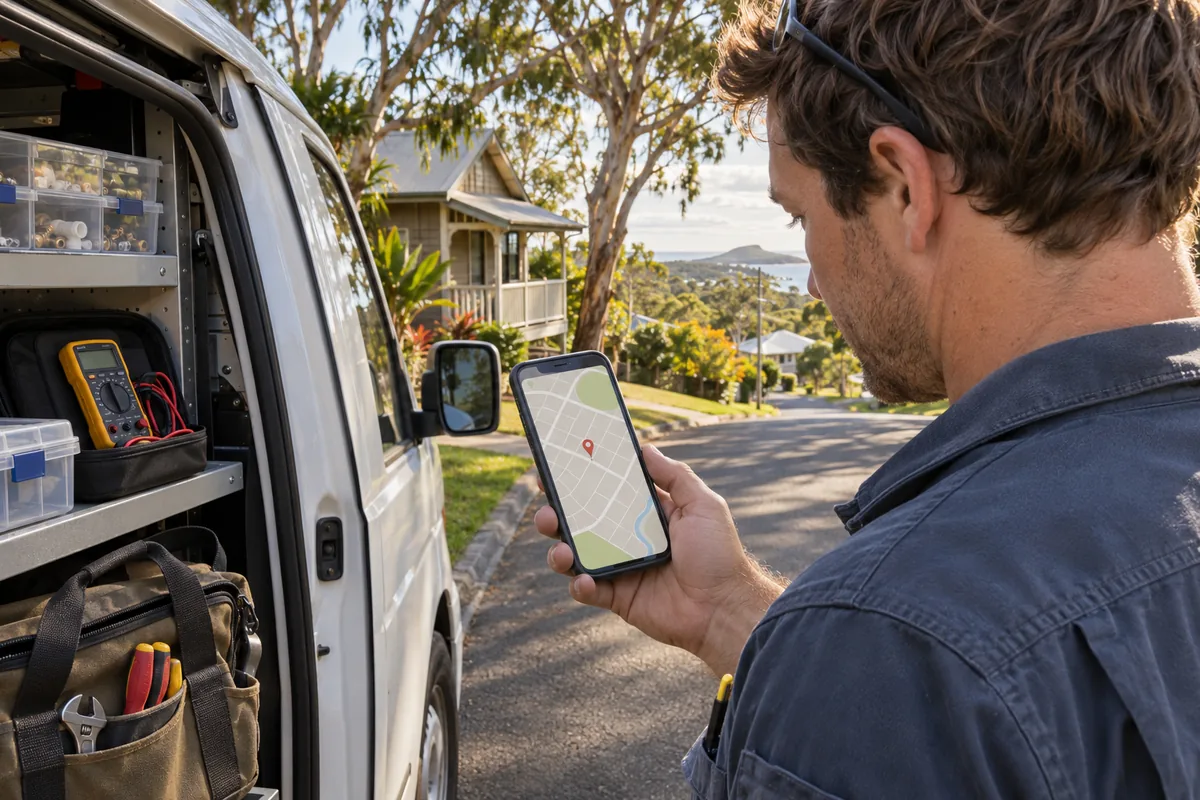
Can a customer open the right listing?
Open Google Maps in a signed-out browser and search for your trading name and town. If a listing appears, check the phone number and website to confirm it belongs to you. If you already have a Maps share link from a booking email or your website, open that too. If the correct profile opens, customers can see it. If the listing opens but shows the wrong hours for a public holiday, use the guide to Google Business Profile holiday hours to fix that date.
Now try the words a new customer would use, such as “washing machine repair near me”. Write down the exact phrase, your suburb and the date. Keep both results for comparison.
Two searches from a Nambour repair van
Imagine a mobile appliance repairer based in Nambour. A regular customer says she can find the business, but a neighbour with a leaking washing machine says it has disappeared.
The repairer searches Maps for their full trading name followed by “Nambour”. The correct listing opens and the phone number matches the van. Then they search “washing machine repairs Nambour”. Other repairers fill the first few results. I’d leave the account recovery settings alone and look at the service information. Does the category fit? Can a customer tell from the website whether the repairer works on washing machines at home?
A search from Coolum could return a different set of businesses. Google weighs how closely a business fits the search, the searcher’s distance and how well known the business is. If the name search and the saved Maps link both fail, I would switch to the account checks below.
Follow the message in the managing account
Sign in with the Google account that owns or manages the profile. Search Google for “my business” and select the correct business if you manage several. Copy the exact status you see before changing the name, address or category.
| What you see | What to do next |
|---|---|
| A verification prompt | Complete a method Google offers for this profile. If Google is reviewing your verification, follow the status shown. Check the result before editing again. |
| The public profile opens, but you have no editing controls | Confirm which account was granted access. For a mobile service with no shopfront, Google directs ownership transfer requests through Business Profile support. |
| A duplicate warning, or an old listing with familiar reviews | Save the Maps links for both entries. Identify which one represents the trading business. Use Google’s duplicate-profile guidance before requesting a merge or removing anything. |
| A suspension or disabled-profile decision | Read the cited policy, correct any inaccurate details and prepare evidence showing the business name and address. In Australia, eligible suspension decisions go through Google’s appeals tool. Keep the case reference. |
| No warning and the profile still won’t open publicly | Record the failed public link or name search and the last change you made. Give Business Profile support those details so they can investigate the existing listing. |
Google has separate instructions for verification, ownership transfers and duplicate profiles. Use the route matching the message you received. An Australian business with a rejected edit to its hours, phone or address can contact support about that edit.
What should a mobile business show on Maps?
If you visit customers and nobody comes to your premises, hide your street address from customers and list the areas you actually serve. A mobile operator working from one base can use one profile for its whole service area. Giving each suburb its own listing can introduce duplicates.
Select towns, postcodes or other areas Google recognises. Google allows up to 20 and generally advises keeping the outer boundary within about two hours’ drive of your base. For the repairer, Nambour and Woombye are useful choices if those are places they accept call-outs. Explaining call-out limits on the website saves calls about jobs outside the run. For help with the listing itself, see my Google Business Profile optimisation service. For the coverage details on your website, see local SEO for service businesses.
Common questions
Will hiding my home address remove my profile?
A mobile business can have a public service-area profile with its home address hidden. Open the Maps share link as a customer to check what is visible.
Could the Maps link on my website be pointing to the wrong place?
Yes. Open the link from your contact page. A map pin may open a street address instead of your actual business listing. Compare the name and phone number before replacing the link.
Can I buy a better place in the local results?
Google says businesses cannot pay for a better organic local ranking. Advertising has its own placements.
Why do customers still see my old hours after an edit?
Check whether the change is pending, accepted or rejected. Compare the public hours with the approved hours, including any special hours for the date in question.
What should I send if I want you to look?
Send the public Maps link if available, the search phrase, the suburb and the status message with private details removed.
What do you see when you look up your business?
Send me the public Maps link, your search phrase and the suburb you searched from. If you see a profile status message, include its wording and leave out private account details.